
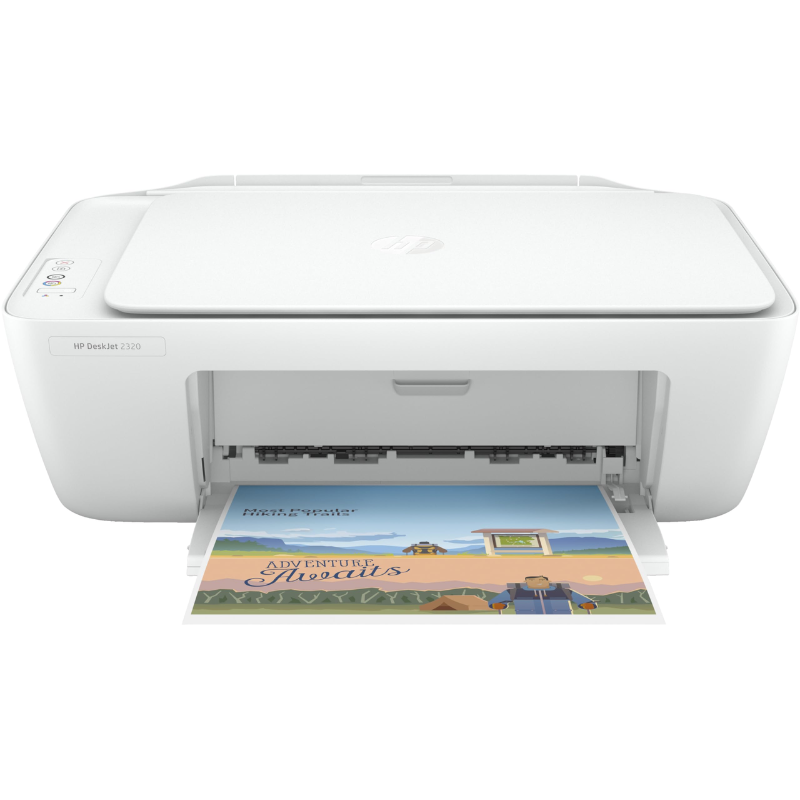
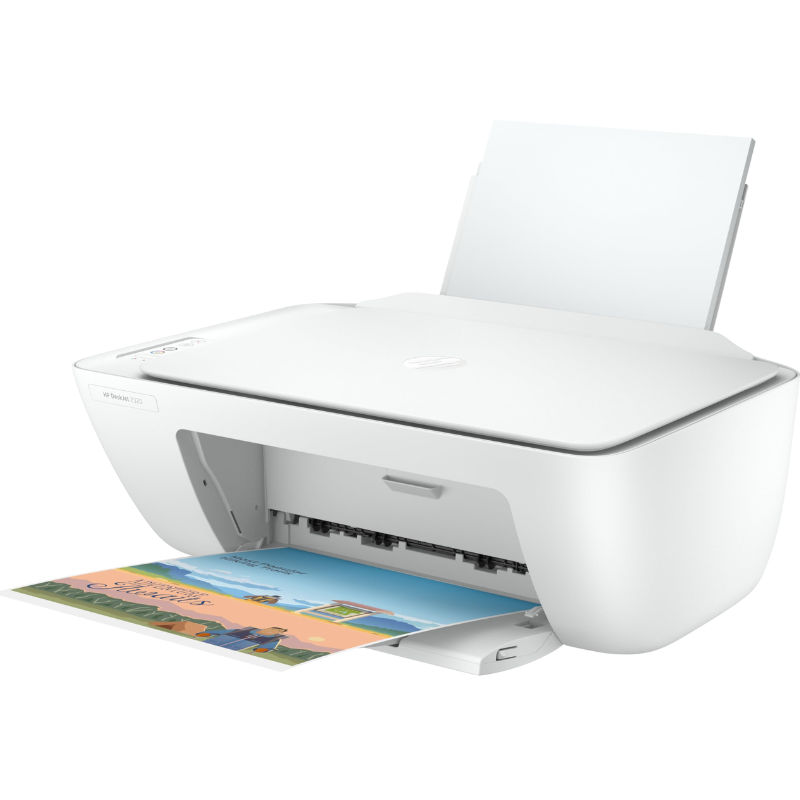
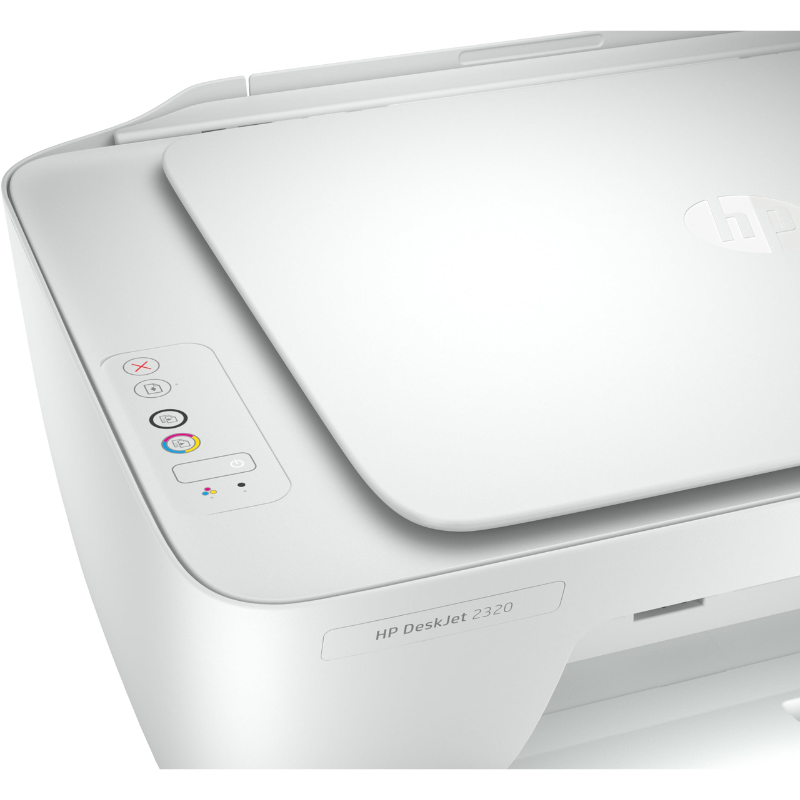
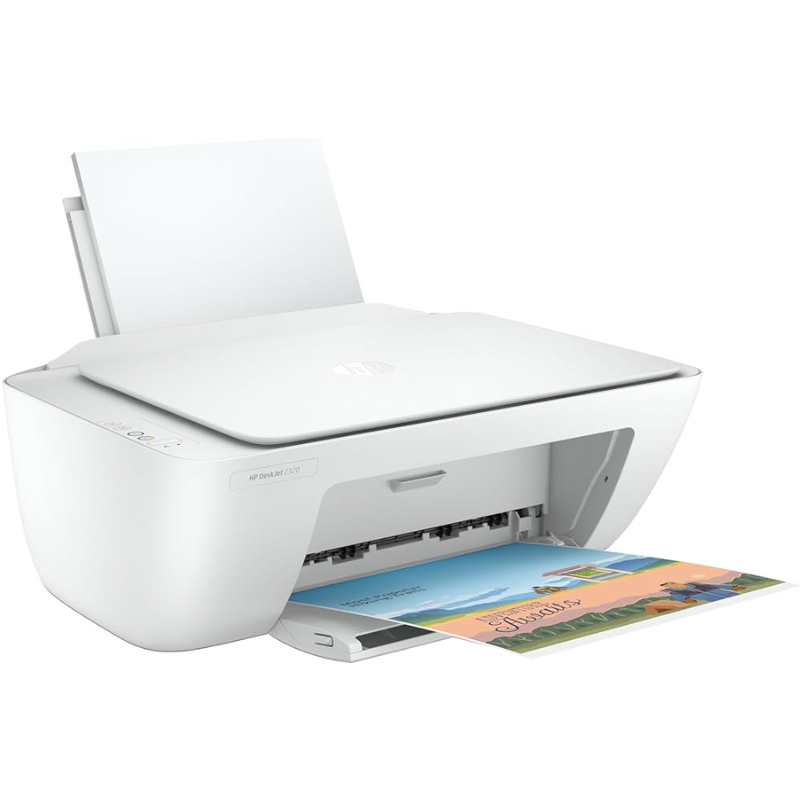
HP DeskJet 2320 All-in-One Printer
Technical Specifications
| Feature | Specification Details |
| Model / SKU | HP DeskJet 2320 |
| Functions | Print, Copy, Scan |
| Print Technology | HP Thermal Inkjet |
| Compatible Ink Cartridges | HP 123 Black Ink, HP 123 Tri-color Ink |
| Print Speed | Up to 7.5 ppm (Black) / 5.5 ppm (Color) |
| First Page Out Speed | As fast as 15 seconds (Black) / 18 seconds (Color) |
| Print Resolution | Up to 1200 × 1200 rendered dpi (Black) / 4800 × 1200 optimized dpi (Color) |
| Scanner Type | Flatbed (CIS Technology) |
| Scan Resolution | Up to 1200 × 1200 dpi (Optical) |
| Duplex Printing Options | Manual (Driver support provided) |
| Standard Connectivity | 1 × High-Speed USB 2.0 Port |
| Paper Handling Input | 60-Sheet Input Tray / 25-Sheet Output Tray |
| Warranty Package | 1 Year Local Manufacturer Warranty |
KSh 8,450.00
HP DeskJet 2320 All-in-One Printer (7WNA2B#BEW)
The HP DeskJet 2320 All-in-One Printer (7WNA2B#BEW) is a compact, highly reliable, and budget-friendly printing solution designed specifically for everyday home use and small office environments. Offering seamless Print, Copy, and Scan functionalities out of a single space-saving machine, this entry-level workhorse takes the hassle out of your daily document workflows. Operating on high-efficiency HP 123 ink cartridges and offering driver-supported manual duplex printing, it delivers the ideal balance of affordability and legendary HP performance.
HP DeskJet 2320 All-in-One Printer (7WNA2B#BEW) Key Features & Product Highlights
Versatile 3-in-1 Functionality
Streamline your home setup. The DeskJet 2320 handles your essential paperwork tasks effortlessly. Produce crisp, black text assignments, make quick physical copies of ID cards, or digitally scan receipts and school projects directly to your computer using the built-in flatbed scanner module.
Reliable HP 123 Ink System
Experience consistent document quality from the first page to the last. This printer is optimized to work seamlessly with authentic HP 123 Black and HP 123 Tri-color ink cartridges. They are precision-formulated to generate vivid color graphics, rich black text lines, and smear-resistant documents that preserve clarity over time.
Smart Manual Duplex Printing
Save money on your operating expenses while practicing eco-friendly habits. Through the intuitive HP print driver interface, you can opt for manual double-sided printing. The software guides you through the simple process of flipping the pages, allowing you to cut your total paper consumption in half.
Simple Plug-and-Play USB Setup
Skip complex network configurations and wireless pairing headaches. The HP DeskJet 2320 is built for immediate deployment out of the box. Simply plug the high-speed USB 2.0 cable into your desktop or laptop, follow the quick step-by-step instructions on the HP Smart app, and you are ready to start printing immediately.
HP DeskJet 2320 Technical Specifications
| Feature | Specification Details |
| Model / SKU | HP DeskJet 2320 All-in-One Printer (7WNA2B#BEW) |
| Functions | Print, Copy, Scan |
| Print Technology | HP Thermal Inkjet |
| Compatible Ink Cartridges | HP 123 Black Ink, HP 123 Tri-color Ink |
| Print Speed | Up to 7.5 ppm (Black) / 5.5 ppm (Color) |
| First Page Out Speed | As fast as 15 seconds (Black) / 18 seconds (Color) |
| Print Resolution | Up to 1200 × 1200 rendered dpi (Black) / 4800 × 1200 optimized dpi (Color) |
| Scanner Type | Flatbed (CIS Technology) |
| Scan Resolution | Up to 1200 × 1200 dpi (Optical) |
| Duplex Printing Options | Manual (Driver support provided) |
| Standard Connectivity | 1 × High-Speed USB 2.0 Port |
| Paper Handling Input | 60-Sheet Input Tray / 25-Sheet Output Tray |
| Warranty Package | 1 Year Local Manufacturer Warranty |
HP DeskJet 2320 All-in-One Printer (7WNA2B#BEW) Pros & Cons
Pros
-
Highly Affordable: One of the most wallet-friendly multi-function brand-name printers available in the market.
-
Compact Footprint: Minimalist design easily fits onto small study desks, bookshelves, or side tables.
-
Crisp Text Output: Delivers rich, professional-grade black text formatting ideal for official forms and school assignments.
-
Hassle-Free Maintenance: Flatbed scanner bed keeps fragile or bound documents secure while scanning.
Cons
-
No Wireless Connectivity: Does not feature Wi-Fi or Bluetooth; relies exclusively on a physical USB connection.
-
Lower Yield Ink Cartridges: Baseline cartridges are engineered for light printing schedules; high-volume environments may find frequent cartridge changes necessary.
HP DeskJet 2320 All-in-One Printer (7WNA2B#BEW) Suitable Application Areas
-
Home & Student Studies: Perfect for printing out school homework assignments, study guides, scanned notes, and personal records.
-
Small/Micro Offices & Kiosks: An excellent low-cost asset for small commercial shops, side-hustle stations, or remote offices requiring occasional administrative document processing.
-
Light Domestic Printing: Designed for households that need occasional document replication, scanning capabilities, and creative craft printing.
HP DeskJet 2320 All-in-One Printer (7WNA2B#BEW) Comparative Product Table
| Printer Model | Main Capabilities | Connectivity Type | Ink Solution | Estimated Price Range (KSh) |
| HP DeskJet 2320 (7WNA2B#BEW) | Print, Copy, Scan | USB 2.0 Only | HP 123 Cartridge Set | KSh 6,500 – KSh 8,500 |
| HP DeskJet 2810e All-in-One | Print, Copy, Scan | Wi-Fi / Bluetooth / USB | HP 305 Cartridge Set | KSh 9,500 – KSh 12,000 |
| HP Smart Tank 580 All-in-One | Print, Copy, Scan | Wi-Fi / Bluetooth / USB | High-Yield Refill Bottles | KSh 24,000 – KSh 28,500 |
Verdict
The HP DeskJet 2320 is a solid, budget-conscious option for light user profiles in Kenya. While it lacks wireless networking features, it excels in bringing essential print, scan, and copy utilities into your workspace at a fraction of the cost of higher-tier hardware. Utilizing reliable HP 123 ink processing inside an ultra-compact body, it represents an incredibly safe, reliable option for users looking for clean, occasional document printing without a heavy upfront investment.
Based on 0 reviews
Be the first to review “HP DeskJet 2320 All-in-One Printer”
Related products
-
Printer Consumables, Printers
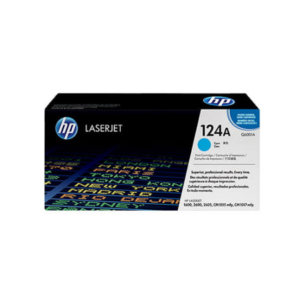
HP 124A Cyan Original LaserJet Toner Cartridge (Q6001A)
Technical Specifications
OEM Part Number Code Q6001A (HP 124A Series)
Consumable Color Vibrant Cyan (Light Blue)
Print Technology Precision Laser Electrophotographic System
Page Yield Capacity Approximately 2,000 standard pages (Calculated at strict 5% ISO/IEC coverage standards)
Chemical Formulation Advanced HP ColorSphere micro-fine resin toner particlesSKU: n/a -
Printers, Epson Printers
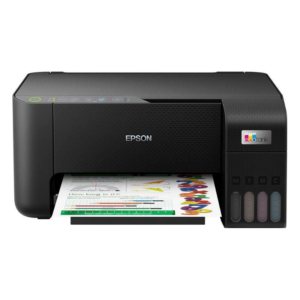
Epson EcoTank L3250 A4 Multifunction Wi-Fi Ink Tank Printer
Specification
- Brand / Manufacturer Epson
- Model Part Number EcoTank L3250 (C11CJ67405)
- Primary Machine Functions A4 Print, A4 Copy, A4 Color Flatbed Scan
- Print Head Technology Micro Piezo Heat-Free Printhead Matrix
- Local & Network Connectivity Hi-Speed USB 2.0, Wi-Fi IEEE 802.11b/g/n, Wi-Fi Direct Line
- Included Bottle Yield Out-of-Box Up to 8,100 Pages (Black) / 6,500 Pages
- 1 Year or 30,000 Prints Manufacturer Warranty
SKU: n/a -
Printers, Epson Printers
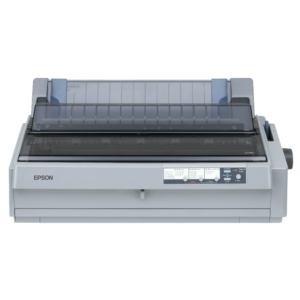
Epson LQ-2190 24-Pin 136-Column Wide-Carriage Impact Dot Matrix Printer
Technical Specification
- Brand / Manufacturer Epson
- Model Part Number LQ-2190 (C11CA92001)
- Printing Technology Serial Impact Dot Matrix (24-Pin Needle Core Array)
- Document Width Columns 136 Columns (At 10 cpi wide-carriage configuration)
- Maximum Impact Speed High-Speed Draft: 576 cps (12 cpi) / 480 cps (10 cpi)
- Letter Quality Speed (LQ) 144 cps (12 cpi) / 120 cps (10 cpi)
- Native Print Resolution 360 \times 180\text{ DPI}
- Warranty 1 Year Return-To-Base Manufacturer
SKU: n/a -
Printers, Epson Printers
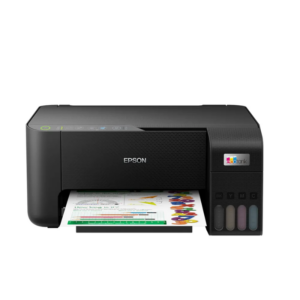
Epson EcoTank L3260 A4 Multifunction Wi-Fi Ink Tank Printer
Specification
- Brand / Manufacturer Epson
- Model Configuration EcoTank L3260 (C11CJ66403)
- Primary Machine Functions A4 Print, A4 Copy, A4 Color Flatbed Scan
- Print Head Technology Micro Piezo Heat-Free Printhead Matrix
- Nozzle Configuration Array 180 Nozzles Black / 59 Nozzles per Color (C, M, Y)
- Manufacturer Warranty 1 Year or 30,000 Prints
SKU: n/a
There are no reviews yet.